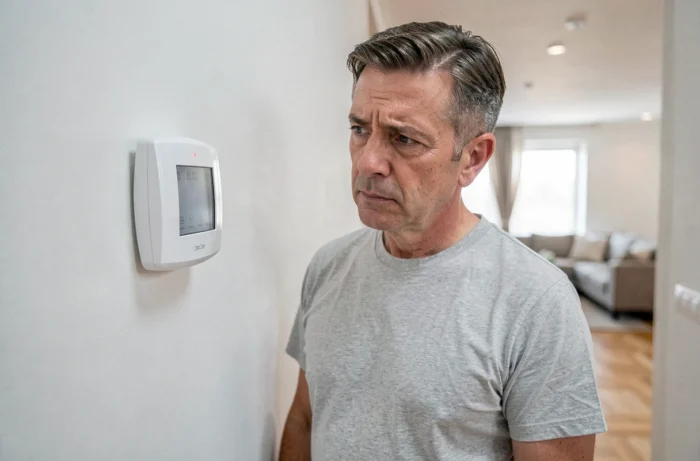
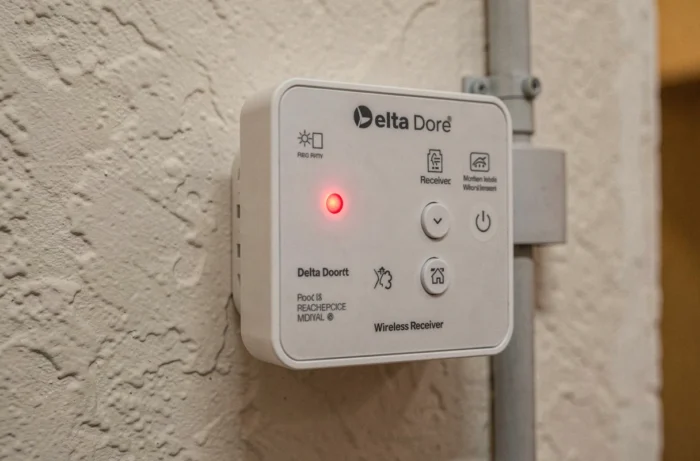
A flashing red light on a Delta Dore device does not correspond to a universal error code. Its meaning varies depending on the exact product reference: pilot wire receiver, load shedding device, energy manager, alarm detector, or Tydom box. Applying a generic interpretation can lead to an incorrect diagnosis, risking the replacement of a perfectly functional module.
Product reference and interpretation of the Delta Dore red flashing light
Each Delta Dore range assigns a different function to the red light. On a RF 6700 FP receiver, the red flashing indicates an ongoing linking or pairing state, not a failure. On a GP 500 load shedding device, the same signal may indicate a detected overload or a communication fault with the off-peak contactor.
On Tyxal+ motion detectors, the red flashing generally indicates active detection or a battery fault. On the Tydom box, it points to a network connection failure or a lack of IP address.
We regularly observe in the field that users confuse these signals. The rule to remember: always cross-reference the flashing with the manual of the exact model. The reference is written on the label of the casing, often behind the cover or under the base.
To deepen this initial diagnosis, reading a technical feedback on the flashing red light on Delta Dore allows for a quick distinction between benign cases and faults requiring intervention on the electrical installation.
Radio link failure: the most common cause of the flashing red light
Troubleshooting forums and field feedback converge on one point: the majority of red flashes stem from a link failure, not from an overload or hardware failure. The receiver has lost communication with its transmitter, thermostat, or home automation box.
This loss of link occurs in several concrete situations:
- Replacing batteries on the transmitter without a re-association procedure: the receiver no longer recognizes the signal and goes into fault mode.
- Prolonged power outage that has drained the pairing memory of the receiver, common on older models without non-volatile memory.
- Adding an electronic device nearby (Wi-Fi repeater, inverter) creating interference on the frequency band used by the Delta Dore radio protocol.
- Excessive distance between the transmitter and receiver, exacerbated by a load-bearing wall or an intervening concrete slab.
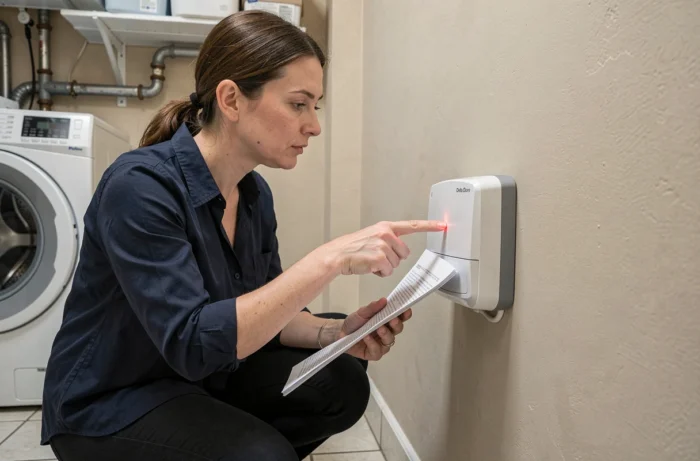
The re-association procedure is described in each manual. It involves putting the receiver into pairing mode (long press on the programming button), then sending a command from the transmitter or the Tydom app. On the RF 6700 FP, the red light turns solid green once the link is restored.
Delta Dore load shedding device and red light: distinguishing overload and contactor fault
On a load shedding device like the GP 500 or Calybox, the flashing red light can mean two very different things. First hypothesis: the load shedding device has detected an exceedance of the subscribed power and temporarily cuts off a non-priority circuit (water heater, radiator). The flashing stops as soon as the consumption falls below the threshold.
Second hypothesis: the load shedding device no longer receives the off-peak/on-peak signal from the day-night contactor. The red light then remains continuously on or flashes in a loop. We recommend checking three points in this order:
- Condition of the EDF contactor at the electrical panel: the coil must be powered and the contact closed during off-peak hours.
- Continuity of wiring between the C1/C2 output of the contactor and the teleinfo or pilot wire input of the load shedding device.
- Configuration of the tariff mode in the menu of the load shedding device, which must correspond to the current contract (base, HP/HC, tempo).
A worn contactor whose coil no longer switches causes a permanent fault signal. Replacing the contactor resolves the issue without touching the Delta Dore module.
Resetting and cases where power must be cut
An electrical reset (cutting power at the dedicated circuit breaker for about thirty seconds, then restoring power) is sufficient to clear most transient faults. After restoring power, the red light may briefly flash during the initialization phase: this is normal.
If the flashing resumes after reset and re-association, the problem lies upstream of the module. A persistent fault after re-association points to wiring or the contactor, not to the Delta Dore module itself. Checking the voltage at the terminals of the receiver with a multimeter can clarify the situation.
When cutting power becomes imperative
If the red light is accompanied by a burnt smell, an abnormally hot casing to the touch, or a buzzing noise at the panel, immediate cut-off at the main circuit breaker is necessary. These symptoms indicate overheating at a connection or a faulty component, not just a simple link failure.
In all other cases, the flashing red light remains an indicator of communication or configuration. Identifying the exact product reference, consulting the corresponding manual, and proceeding methodically (power supply, link, configuration) resolves the vast majority of situations without replacing equipment.